UX audits that find what’s costing users
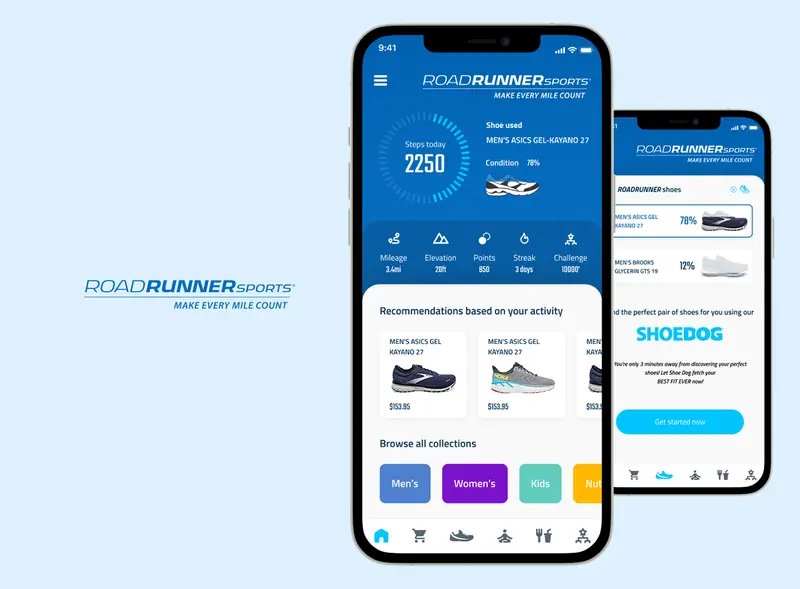
A UX audit looks at a product the way a new user does, and ends in a clear, prioritised list of what’s hurting conversion and retention, with how to fix it. Design and audit work on Glimpse, Orbitra, Sunlight and ThutoTime led to up to 50% better conversion and 20–35% higher retention.
What this involves
- 01Heuristic evaluation of key flows
- 02Analytics and session review (Hotjar, Google Analytics)
- 03UX research: interviews and a review of where people drop off
- 04Usability testing with real users on the flows that matter most
- 05Accessibility check against WCAG
- 06Prioritised recommendations with redesigned screens
Where I’ve done it
- 01Glimpse, Orbitra, Sunlight and ThutoTime: up to 50% better conversion
- 02Apps losing users after the first weeks: 20–35% higher retention
- 03Audits as the first step of a redesign
How I work
An audit looks at the product as a new user would, then ranks what to fix by effort and impact.
- 01Agree the goalsWhich journeys matter most, and what success looks like
- 02ReviewWalk through the key flows against usability heuristics, accessibility and the data
- 03PrioritiseA ranked list of issues with screenshots and concrete fixes
- 04WalkthroughGo through the findings with the team and agree what to do first
Related work
All projects →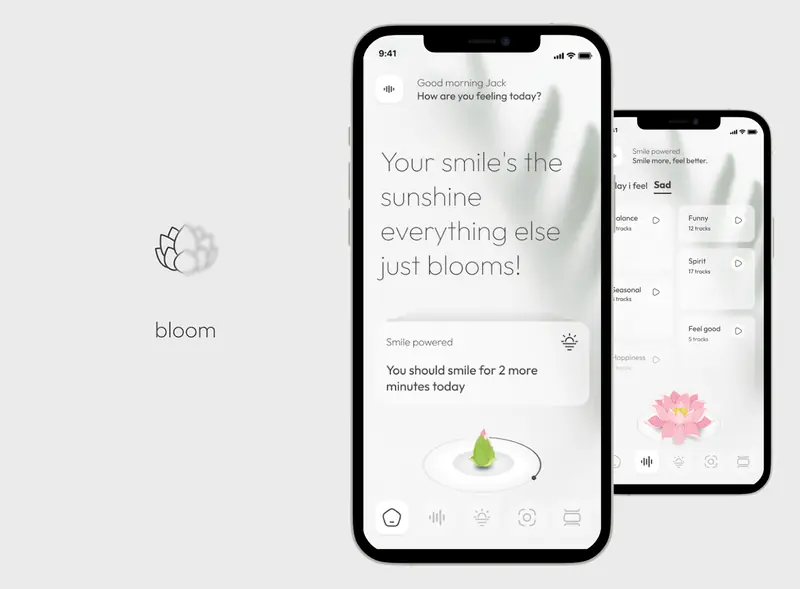
What clients say
5.0 from 73 reviews on Upwork ↗
Justin P. · Stock trading analytics platform · September 2024“Florin was great to work with. He is very patient & understanding as the process of trying to figure out what you want for a design is an iterative process. His knowledge about what is good for the user & what will work for the developer or not is wonderful guidance to have. He will be a great choice for your next project.”
Questions
What does a UX audit produce?
A written and visual report of the main problems, ranked by impact, with suggested fixes and redesigned screens for the most important ones.
How long does an audit take?
On the products in this portfolio it took one to two weeks, depending on their size.
When is a UX audit worth doing?
When numbers drop and nobody can see why: sign-ups that don’t activate, users leaving mid-flow, or support tickets about the same screens. I also start redesigns with one, so the fixes begin with what costs users most.
Other areas
- UI/UX designResearch, user flows and interface design for SaaS platforms, dashboards and consumer apps.→
- MVP designScoping MVPs to the flows that prove the idea, launch-ready UI and an interactive prototype developers can build from.→
- Rapid prototypingInteractive prototypes for apps and SaaS: clickable in Figma and Framer, or functional in code with AI tools, ready for user testing in days.→
- Embedded product designWorking embedded in product teams: design leadership, hands-on UI/UX and a design system the whole team builds with.→
- App designMobile app design from first idea to App Store-ready screens, for telehealth, education, events, fintech and commerce.→
- Design systemsComponent libraries, design tokens and documentation that keep a product consistent after handoff.→
- AI product designAI UX and user interface design for AI apps, chatbots, assistants and agents: showing model results, confidence and next steps so people can act on them.→
Let’s talk it through
30 minutes on Google Meet, at a time that suits you.