Rapid prototyping: test the idea before it’s built
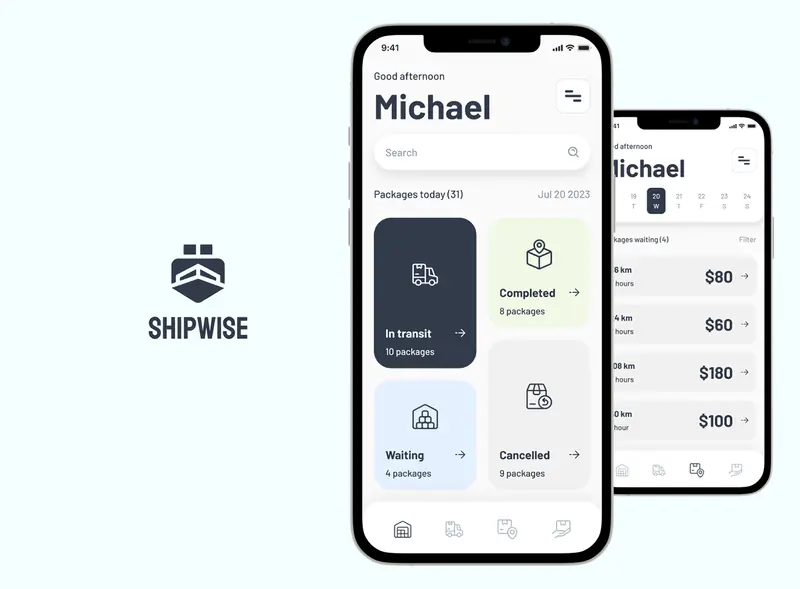
A good prototype answers the expensive questions early. I build interactive prototypes two ways: clickable prototypes in Figma and Framer, and functional prototypes that run in the browser, made with AI tools like Figma Make, Cursor and Claude. Most of the products in this portfolio started as an interactive prototype, including Vytrac, Glimpse, Sunlight, ThutoTime, Bloom, Shipwise, PetTopia, scoreXLT, Zentra and ProLog, and many of them can be tried on their project pages. Glimpse was tested with 8 beta users, and ThutoTime, Bloom and Blessn were A/B tested before the final UI.
What this involves
- 01Clickable prototypes in Figma and Framer
- 02Functional prototypes in code, built with AI tools (design-to-code)
- 03Usability testing with real users
- 04MVP scope and screens ready for development
Where I’ve done it
- 01Ten interactive prototypes on this site, rebuilt from the original Figma boards
- 02Glimpse tested with 8 beta users before launch
- 03ThutoTime, Bloom and Blessn A/B tested before the final UI
How I work
A prototype is there to answer a question quickly: does this flow make sense, will people use it, does the idea land.
- 01Pick the questionAgree what the prototype has to prove and who will see it
- 02Choose the fidelityClickable in Figma or Framer, or a functional prototype built in code with AI tools
- 03BuildThe flows that matter, realistic enough that people react to the idea and not the placeholders
- 04Test and refinePut it in front of users or stakeholders and change what doesn’t land
Related work
All projects →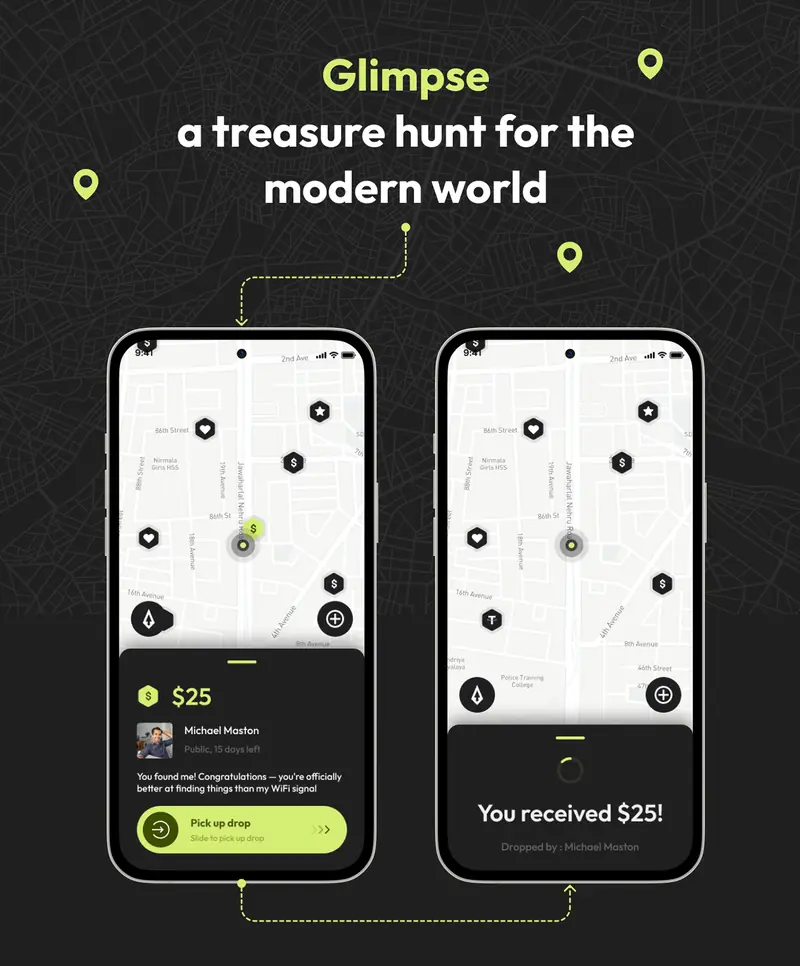
What clients say
5.0 from 73 reviews on Upwork ↗
Louis G. · UX design and prototype for an energy saving project · April 2024“Florin is probably the top 1% of the top UX Designers on Upwork! Absolutely a gem of a person. Can think, challenge, implement and has tons of patience. Highly recommended.”
Case studies
Questions
How long do your prototypes take?
A focused clickable prototype usually takes me days, not weeks. Functional prototypes built with AI tools are often just as quick, which is how most projects in this portfolio started.
What is the difference between a clickable and a functional prototype?
A clickable prototype links designed screens together so people can tap through the flow. A functional prototype is built in code: it takes real input, keeps state and behaves like the product, which makes tests and demos more convincing.
What is the difference between a prototype and an MVP?
A prototype tests whether an idea works with users. An MVP is the smallest version you actually launch. I design both, and prototypes usually shape the MVP.
What is an interactive prototype?
A set of designed screens that behaves like the product: people can tap, type and move through the main flows. It looks real enough that users react to the idea, not to placeholders, and it costs a fraction of building the product.
Do you prototype in Figma?
Mostly, yes. Figma is the fastest way to a clickable prototype for user testing. When a test needs real input, live data or AI responses, I build a functional prototype in code instead.
Can an AI feature be prototyped?
Yes. A functional prototype can call a real model, so people see actual AI answers, including the wrong ones. That is usually where the design questions are: how results are shown, explained and corrected.
What happens after the prototype?
If the test goes well, the prototype becomes the starting point for MVP design: the flows are already agreed, so the next step is launch-ready screens and a component library for the developers.
Other areas
- UI/UX designResearch, user flows and interface design for SaaS platforms, dashboards and consumer apps.→
- MVP designScoping MVPs to the flows that prove the idea, launch-ready UI and an interactive prototype developers can build from.→
- Embedded product designWorking embedded in product teams: design leadership, hands-on UI/UX and a design system the whole team builds with.→
- App designMobile app design from first idea to App Store-ready screens, for telehealth, education, events, fintech and commerce.→
- Design systemsComponent libraries, design tokens and documentation that keep a product consistent after handoff.→
- AI product designAI UX and user interface design for AI apps, chatbots, assistants and agents: showing model results, confidence and next steps so people can act on them.→
- UX auditUX audits: heuristic evaluation, usability testing and a prioritised list of fixes.→
Let’s talk it through
30 minutes on Google Meet, at a time that suits you.