AI user interface design people can trust
The hard part of an AI product is rarely the model. It’s how people see, trust and act on what it produces. Most of the products I’ve designed use AI: a remote patient monitoring platform built on an AI health engine, a hotel ticketing dashboard with an embedded optimisation agent, apps that adapt to mood or genetic makeup and satellite monitoring that spots movement hotspots. The work covers AI user interface design for apps and dashboards, AI chatbot and assistant design, and agentic UX for products where an AI agent acts on someone’s behalf.
What this involves
- 01UX for AI insights, recommendations and chat
- 02Personalisation driven by AI, from adaptive feeds to recommendations
- 03Agentic UX: what an AI agent does on its own, what needs approval, and how people review and undo it
- 04Patterns for confidence, uncertainty and human override
- 05AI chatbot and assistant design: conversation flows, chat interfaces and the hand-off to a person
- 06AI-assisted prototyping to test ideas quickly
Where I’ve done it
- 01Vytrac: AI health insights for remote patient monitoring
- 02Zentra: an optimisation agent inside a hotel ticketing dashboard
How I work
AI features only help if people understand what the AI did and can correct it. That shapes every screen.
- 01Find the jobPick where AI saves real effort, and what a wrong answer would cost
- 02Design the interactionHow results, confidence and sources are shown, and how people correct them
- 03PrototypeTest the flows with realistic outputs, including the bad ones
- 04HandoffStates, edge cases and copy developers and AI engineers can build from
Related work
All projects →
Doctors see at a glance whether a patient is getting better.
Interactive prototype
An AI-powered ticket dashboard for hotels with many locations.
Interactive prototype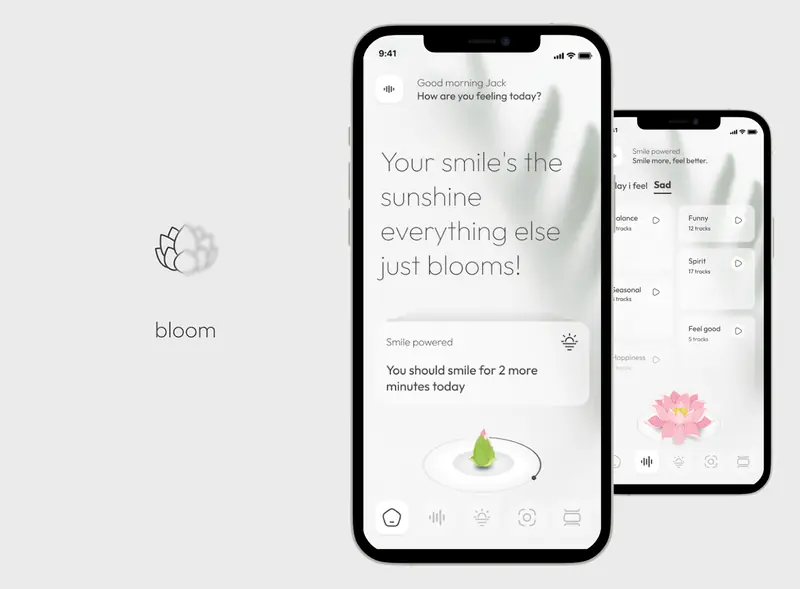
A happiness app where every smile makes your flower bloom.
Interactive prototype
A map-first dashboard for tracking satellite imagery over chosen areas: how often new images arrive, from which vendors, and when the last clear one came in.
Interactive prototype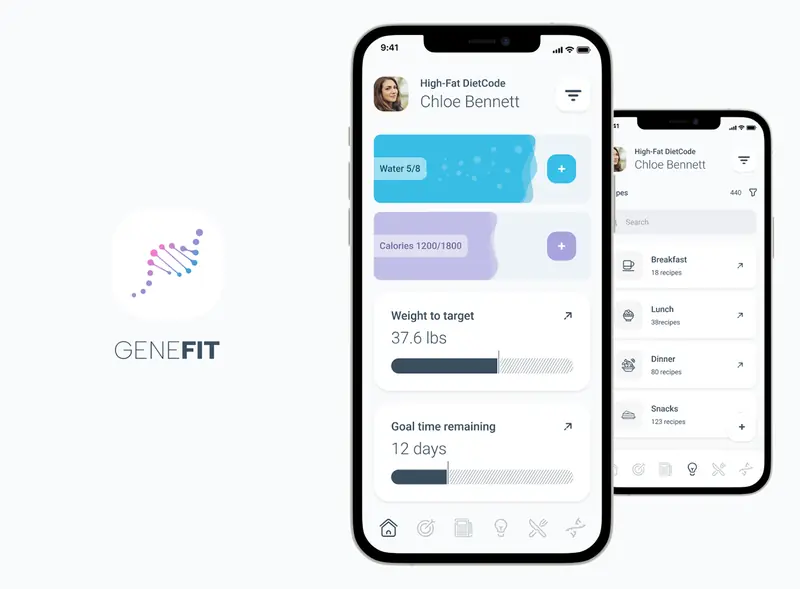
Diet tracking, recipes and restaurant picks built around your DNA diet code.
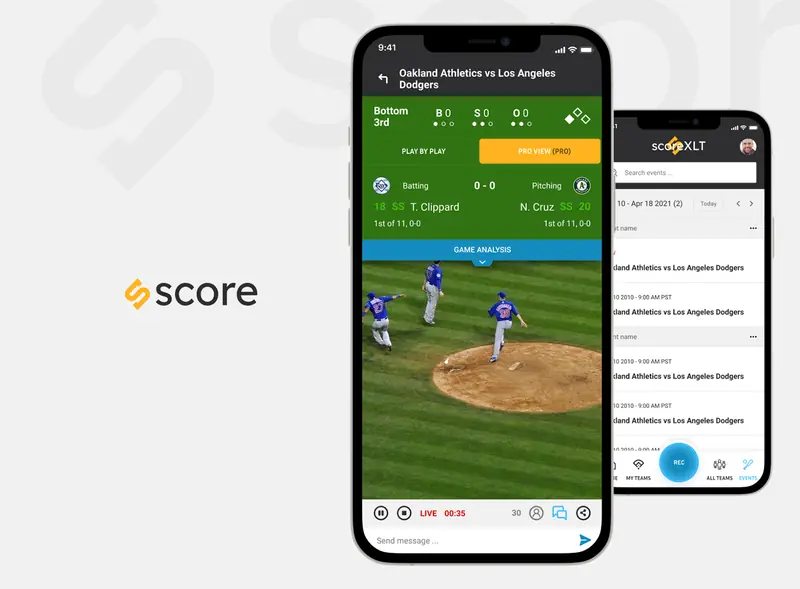
AI-enabled baseball streaming with live games, chat, play-by-play analysis and team stats.
What clients say
5.0 from 73 reviews on Upwork ↗
Justin P. · Stock trading analytics platform · September 2024“Florin was great to work with. He is very patient & understanding as the process of trying to figure out what you want for a design is an iterative process. His knowledge about what is good for the user & what will work for the developer or not is wonderful guidance to have. He will be a great choice for your next project.”
Case studies
Questions
Have you designed AI-powered products?
Yes, most of my projects use AI in some form: an AI health engine in Vytrac, an embedded agent in Zentra, a feed that adapts to mood in Bloom, diet plans built from genetic makeup in GeneFit and movement hotspot analysis in Orbitra.
How do you show AI confidence to users?
In plain language rather than raw percentages: what the model found, how sure it is, what it is based on, and a clear next step. In Vytrac, clinicians see AI insights, symptom trends and model confidence for each patient.
How do you design for AI agents that run in the background?
By deciding what the agent may do on its own and showing those limits in plain words, letting any action a person takes override the agent, escalating urgent cases instead of guessing, ending every report with a next step, and keeping an activity trail people can check and undo. Vytrac and Zentra both work this way.
How do you design an AI agent into a product?
Start with what the agent may do on its own and what needs a person’s approval, then design how it reports back: what it changed, why, and how to undo it. In Zentra, the optimisation agent runs from the dashboard header, and AI cards give a plain-sentence finding with a suggested fix.
What is AI product design?
Designing products where AI does part of the work: deciding where the model helps, how its results, confidence and sources are shown, and how people check, correct or undo what it did.
How do you design for AI features?
By focusing on what the user needs to decide: what the model found, how sure it is and what to do next, with a clear way to correct it.
Other areas
- UI/UX designResearch, user flows and interface design for SaaS platforms, dashboards and consumer apps.→
- MVP designScoping MVPs to the flows that prove the idea, launch-ready UI and an interactive prototype developers can build from.→
- Rapid prototypingInteractive prototypes for apps and SaaS: clickable in Figma and Framer, or functional in code with AI tools, ready for user testing in days.→
- Embedded product designWorking embedded in product teams: design leadership, hands-on UI/UX and a design system the whole team builds with.→
- App designMobile app design from first idea to App Store-ready screens, for telehealth, education, events, fintech and commerce.→
- Design systemsComponent libraries, design tokens and documentation that keep a product consistent after handoff.→
- UX auditUX audits: heuristic evaluation, usability testing and a prioritised list of fixes.→
Let’s talk it through
30 minutes on Google Meet, at a time that suits you.